Week 1 — Elements 1–4
4.4 Submit workplace form
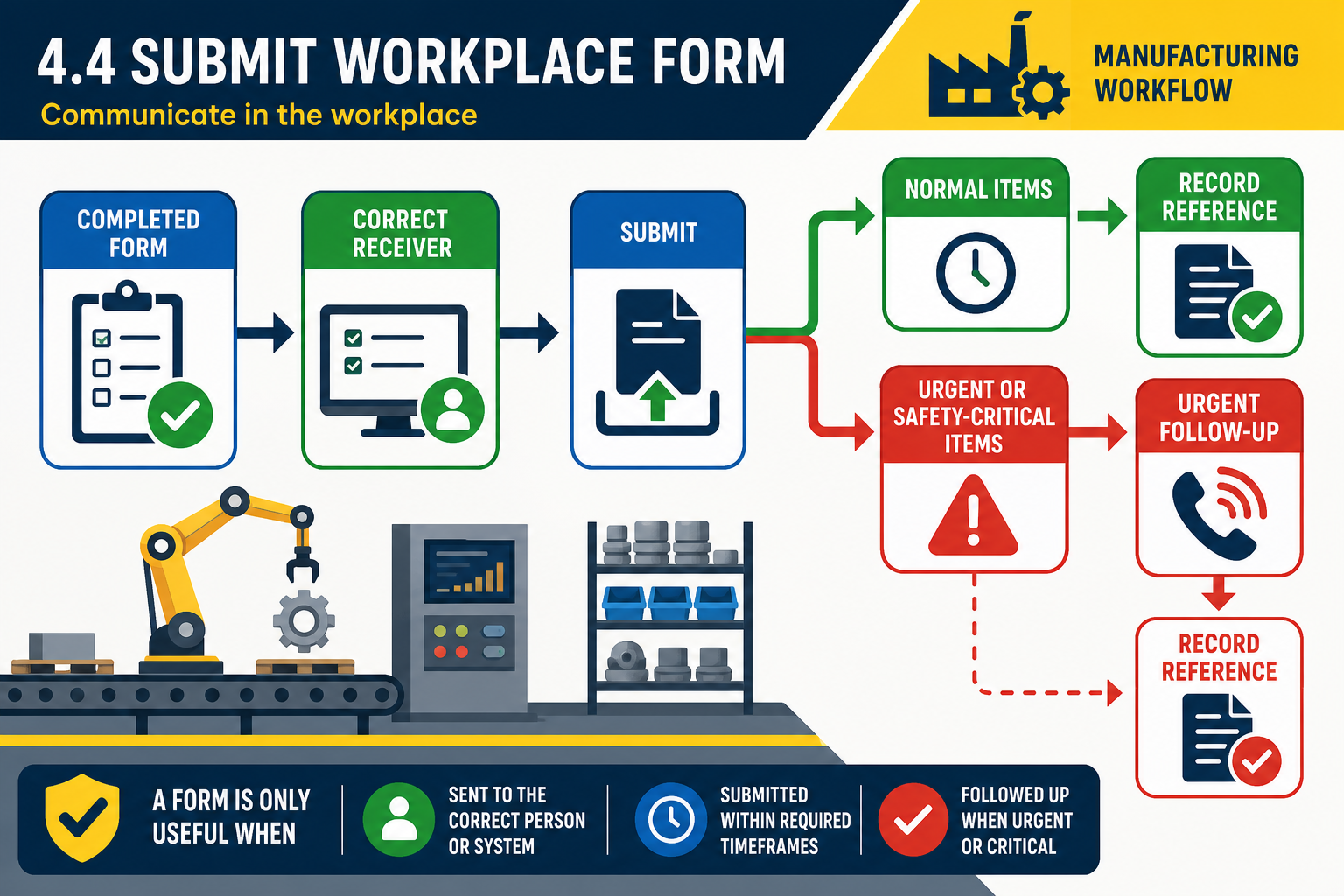
Submitting the form
A completed form only becomes useful when it reaches the correct person, place or system. Submission requirements are set by organisation procedures. They may state who receives the form, how it is lodged, when it is due, what attachments are needed, and whether you must keep a copy or record a reference number.
Submission methods may include handing a paper form to a supervisor, placing it in a controlled tray, scanning it to a records email address, entering it into an electronic system, uploading it through a tablet, radioing an urgent issue and then completing the written record, or attaching it to a permit board. Use approved communication equipment and channels. Do not send sensitive forms through personal email, social media or informal photos unless the workplace specifically authorises that method.
Follow these steps:
- Check the form is complete, signed and dated where required.
- Attach supporting information such as photos, readings, labels, permits, printouts or witness statements if required and allowed.
- Submit to the nominated person, team or system within the required timeframe.
- Record any receipt number, work order number or confirmation message.
- Escalate urgent matters verbally as well as lodging the form.
For example, if you complete a near-miss report after a forklift almost contacts a pedestrian, do not leave it in your locker until the end of the week. Make the area safe, notify the supervisor immediately according to site procedure, then submit the report through the required system. The form supports investigation, but urgent communication helps prevent someone being injured before the paperwork is processed.
Common submission problems include giving the form to the wrong department, missing a signature, failing to attach a photo or sample label, submitting after the cut-off time, or assuming an electronic form was lodged when the internet connection failed. If a system error occurs, take corrective action within your role: retry, save a draft, record the error message, notify your supervisor or use the approved backup method.
Some forms become official records and must be stored securely for audit, quality, WHS, payroll or legal purposes. Follow the site rules for retention and confidentiality. If you are unsure whether a form has been received or actioned, follow up respectfully rather than submitting duplicates that may confuse the record.